Stop a checkout when the cart, the customer or the address breaks a rule you set, and tell the shopper exactly how to fix it.
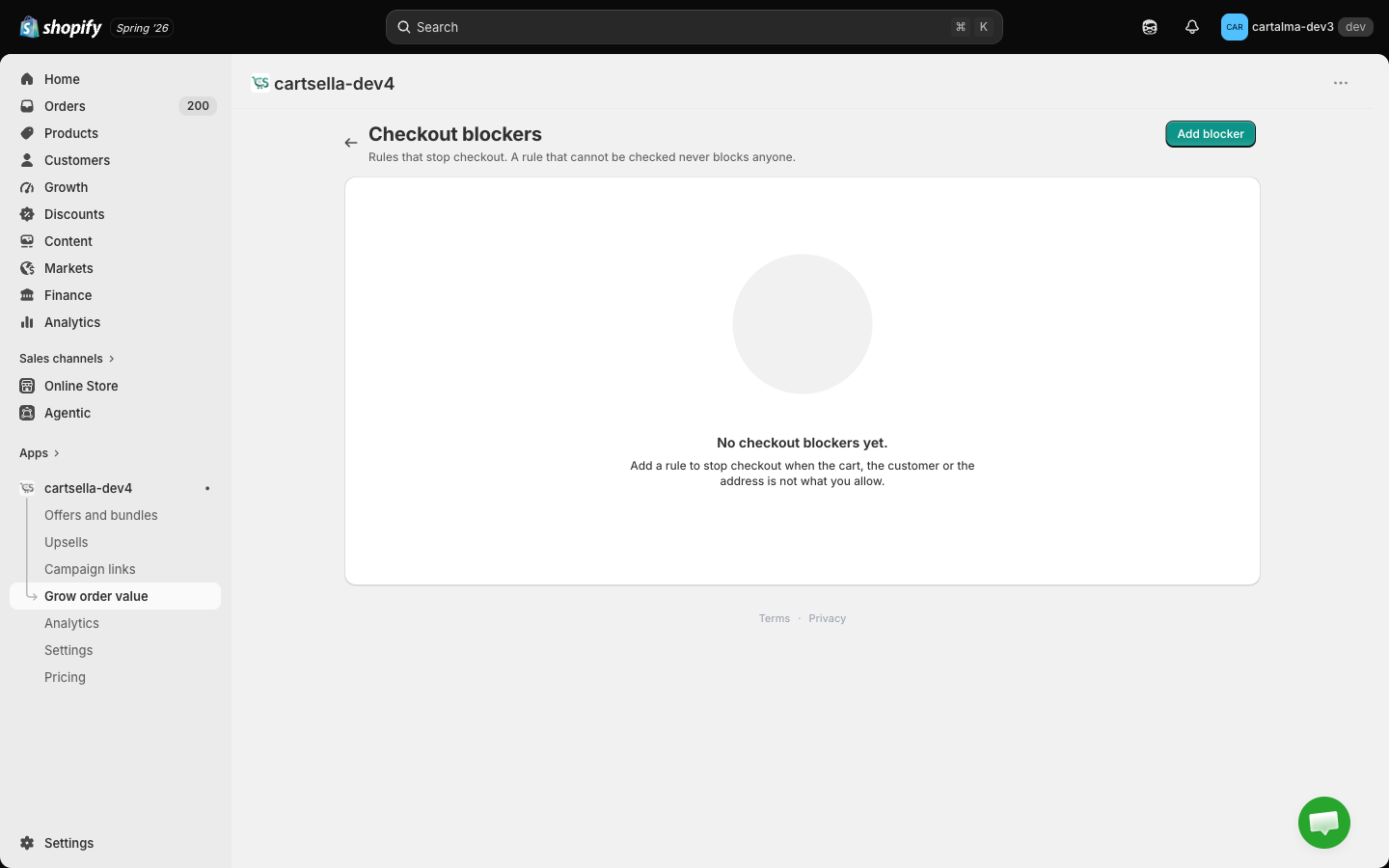
Every other tool in CartSella gives something away. A checkout blocker takes something back: it stops the order and shows the shopper a message you wrote.Shopify can already refuse an address outside your shipping zones, but it does it silently, by showing no rates at all. A blocker is the opposite. It names the problem (“orders start at 250 euro for trade accounts”) and puts the message where the shopper can act on it.Find them under Grow order value, then Checkout blockers.
The message appears at checkout, on the Continue step where the problem is. Rules about the address or the contact details attach the message directly to the offending field:
Rule
Where the message lands
Postal codes
On the postal code field
Company field
On the company field
Phone format
On the phone field
Email domains
On the email field
Everything else
At the top of checkout, above the order summary
If a cart breaks three rules, the shopper sees all three messages at once. Fixing one and discovering the next is how people abandon carts.
This is the rule the whole feature is built around, and it is the opposite of how offers work.An offer that cannot check one of its conditions hides itself, because promising a gift the checkout then refuses is worse than showing nothing. A blocker that cannot check its fact lets the shopper buy. Every time.That means:
No shipping address entered yet, so no postal code rule runs.
The shopper has not typed an email yet, so no email or account rule runs.
A pattern you wrote is not something we can read, so that rule is skipped rather than applied.
CartSella is paused for your store, or something fails on our side, so nothing is blocked at all.
The trade is deliberate. A blocker that misses costs you one order you would rather not have had. A blocker that fires wrongly is a paying customer who physically cannot check out, who does not email you about it, and who leaves.
Because of this, a blocker is not fraud prevention and it is not a security control. It is a way to keep honest orders inside the shape your operation can fulfil.
One blocker enforces one rule. Add several blockers to combine them. Add blocker opens the picker.
Rule
Stops checkout when
Order value
The cart subtotal is under your minimum or over your maximum
Quantity cap
The cart holds more than N units of the products you chose
Cart size cap
The cart is over a total unit count or a total weight
Incompatible products
The cart holds something from group A and something from group B
No mixed purchase types
The cart holds both a subscription item and a one-time item
Required cart attribute
A VAT number, gift message, delivery date or accepted terms is missing
Postal codes
The shipping postal code is on your list, or is not on your list
Company field
A company name is missing, or a company name is present
Phone format
The phone number does not fit the pattern for its country
Email domains
The email is on a domain you block, or is not on a domain you allow
Account required
A guest is buying products that need an account
Customer tags
The signed-in customer carries a tag you block
Order value
Minimum subtotal and Maximum subtotal. Set one, the other, or both. The subtotal is the items only, before shipping and taxes, and before discounts are applied at checkout.A minimum is by far the common use: trade accounts, made-to-order runs, anything where a 12 euro order costs more to pick and pack than it earns. A maximum is rarer and usually means “call us for this size of order”.
The amount is compared against the subtotal in the currency the shopper is checking out in. If you sell in several currencies, set the figure for your main market and expect the threshold to be looser or tighter elsewhere.
Quantity cap
Pick products, variants or collections, then set Maximum units.The cap counts the combined units of everything you selected, not each product separately. Selecting one product and setting 2 means “two of this”. Selecting five products and setting 2 means “two across all five of them together”, which is almost never what people mean. For a cap of two on each of five products, create five blockers.Leaving the picker empty caps nothing, on purpose. An empty selection reading as “the whole store” would be a catastrophic way to clear a field by accident.
Collections are resolved when you save the blocker. A product added to the collection afterwards is only covered the next time the blocker is saved or your store next syncs.
Cart size cap
Maximum units in the cart and Maximum weight (grams). Set one or both. This is the courier rule: a pallet threshold, a single-parcel weight limit, a “more than 30 items has to go freight” line.Weight comes from the weights on your variants. A variant with no weight set counts as zero, so a weight cap on a catalogue with missing weights will under-count and let carts through. That is the open direction again, but it is worth fixing the weights.
Incompatible products
Group A and Group B, each a set of products, variants or collections. Checkout stops when the cart holds at least one item from each group.Use it where two things cannot ship in the same box, or cannot ship together at all: a bottle of solvent and a set of candles, a chilled item and a 30 kg piece of furniture, a fragile print and anything heavy.Both groups need at least one item in them. A rule with one side empty does nothing.
No mixed purchase types
No fields. It stops a cart that holds a subscription line and a one-time line at the same time, which is the combination that produces two shipments, two invoices and one confused customer.To require the opposite, that a cart is subscription only or one-time only, do not use this rule. Add a Purchase type condition set to Every line matches on whichever rule you actually want to enforce.
Required cart attribute
Cart attribute is one of four: vat_number, gift_message, delivery_date, terms_accepted. Pattern (optional) is a simple expression the value has to match. Leave the pattern empty to accept any non-empty value.Checkout stops when the value is missing, blank, or fails the pattern.
CartSella checks the value. It does not draw the input. Your theme, or another app, has to give shoppers somewhere to enter it. If nothing collects that value, this rule stops every order with no way out, which is the one configuration in this whole feature that can genuinely close your store. Test it with a real order before you activate it.
Patterns are deliberately simple: anchors (^ and $), literal characters, ., \d, \w, character classes such as [A-Z0-9], and repetition ({9}, +, *, ?). Groups and alternation are not supported. A pattern we cannot read means the rule is skipped, so it fails quietly open rather than trapping anyone.
Postal codes
Country codes (optional, comma separated), Postal codes (matched exactly), Postal code prefixes (matched from the start), and Invert: allow only these, block everything else.You need at least one code or prefix. Matching ignores case, spaces and dashes, so 9000-001 and 9000 001 are the same value.Country codes narrow the rule rather than widen it. With PT set, an address in Spain is simply not this rule’s business and passes.Tick Invert to turn the list into an allow-list: only those codes may check out, everything else is stopped. Use that for a local-delivery-only shop, and use the plain list for the handful of destinations your courier will not serve.
Company field
Company name set to Required or Not allowed, plus an optional product selection. Leave the selection empty and the rule applies to every cart.Required is the B2B case: wholesale customers have to identify the business the invoice is for. Not allowed is the reverse, for stores whose consumer channel is not licensed to sell to businesses.The rule only runs once the shopper has entered a shipping address. On a digital-only order with no address, it never fires.
Phone format
One pattern per country. Type a 2-letter country code and CartSella fills in a preset for PT, ES, FR, DE, GB and US. Edit the pattern, or add a country of your own.The pattern is matched against the phone number for the country of the shipping address. If you have no pattern for that country, nothing is blocked there. Spaces, brackets and dashes are stripped before matching, so a shopper typing +351 912 345 678 is judged on the digits.Same simple pattern language as the cart attribute rule, and the same forgiving behaviour: an expression we cannot read skips the rule.
Worth having when your courier calls before delivery. A mistyped mobile number is a failed delivery and a return, and this catches it before the money moves.
Email domains
Domains, comma separated, and Invert: allow only these, block everything else.A listed domain covers its subdomains, so mailinator.com also catches mx.mailinator.com.Left as a block-list, it turns away throwaway inboxes used to farm first-order discounts. Inverted, it becomes an allow-list, which is how you run a staff store or a closed pilot: only @yourcompany.com gets through.
Account required
An optional product selection. Empty means the whole cart, so any guest is stopped.Use it for trade pricing, member-only products, or anything where you need the order attached to a real customer record.Because a guest and a shopper whose account has not loaded yet look identical, this rule waits until checkout knows an email address. Nothing is blocked on the cart page, and a shopper who signs in passes normally.
Customer tags
Customer tags, comma separated, and Invert: allow only these, block everything else.As a block-list it stops customers you have tagged, for example chargeback or on-hold. Inverted it becomes an allow-list, which is the cleanest way to run a wholesale-only catalogue: only customers tagged wholesale may buy.Guests are never blocked by this rule, in either direction, because a guest has no tags to read. If your allow-list has to hold, pair this blocker with Account required so guests cannot reach checkout in the first place.
Leave Eligibility and targeting empty and the rule applies to every cart. Add conditions to say when the rule applies. Every condition you add has to pass.
Condition
What it matches
Purchase type
Subscription or one-time, with Applies when set to Any line matches or Every line matches
Cart subtotal
A minimum, a maximum, or both
Cart item count
Number of units in the cart
Cart weight (grams)
Total cart weight
Cart contains products
Certain products being present, or absent
Shipping country
Country codes, with an invert option
Shipping address
Country codes, province codes, postal code prefixes, and Only PO Boxes
This list is shorter than the one on an offer, and the reason is the same one that shapes the whole page. A blocker runs at checkout and nowhere else, so it can only see what the checkout knows: the cart and the address. Where the shopper came from, which market they browsed, their order history and how many times they have used something are not on that list.A condition that cannot be judged, an address rule before an address exists, means the rule does not apply. Open direction again.
Cart contains products is the one field with no product picker yet. It takes product IDs typed in. Where you can, express the product scope on the rule itself instead, since Quantity cap, Incompatible products, Company field and Account required all carry a proper picker.
There is no “block PO Box addresses” rule. Only PO Boxes is a condition, so it narrows when another rule applies rather than stopping the order by itself. To keep parcels away from PO Boxes, hide the shipping method instead with a delivery rule.
The message is the only part of a blocker a shopper ever sees, so it carries the whole job. Say what is wrong and what to do about it.
Weak
Strong
”Order not allowed."
"Trade orders start at 250 euro. Add 40 euro more to check out."
"Invalid postal code."
"We cannot deliver furniture to Madeira or the Azores. Email [email protected] for a freight quote."
"Limit exceeded."
"Two per customer on the Sagres Runner. Please reduce the quantity to 2.”
The message is required, and that is not a formality. A blocker with nothing to say is skipped rather than blocking someone with a blank error they cannot act on, so the editor will not let you save without one.
Active, Draft or Deactivated. Only Active blockers run. Build in Draft, place a test order, then switch it on.
Priority
1 to 10, 1 first, default 5. Blockers do not override each other. Every broken rule produces a message, and priority only decides the order they appear in. Put your most important message on 1.
Plan limit
Active blockers count against a per-plan limit, separate from your active-offer limit. Drafts and deactivated blockers are free. See Plans and billing.
The problem: you sell to trade accounts in Portugal and Spain, where you deliver on your own van, and picking an order under 250 euro loses money.
1
Create the blocker
Grow order value, then Checkout blockers, then Add blocker. Pick Order value from the grid of rules.
2
Name it
Name it Trade minimum, PT and ES. The name is internal, shoppers never see it. Leave the status on Draft while you build.
3
Set the rule
Minimum subtotal: 250. Leave Maximum subtotal empty.
4
Limit it to the two countries
In Eligibility and targeting, add a Shipping country condition and enter PT, ES. Orders shipping anywhere else are untouched by this blocker.
5
Write the message
“Trade orders start at 250 euro. Add a little more to your cart, or email [email protected] and we will quote you a smaller run.”
6
Test it, then activate
Save. Put 90 euro of stock in a cart, use a Lisbon address, and confirm the message stops you at checkout. Then use a Paris address and confirm it does not. Set the status to Active and save again.
The problem: the Sagres Runner limited edition sells out in minutes and half of it ends up on resale sites.
Field
Value
Rule
Quantity cap
Select products
Sagres Runner, Limited Edition
Maximum units
2
Conditions
None
Priority
1
The shopper sees: “Two pairs per customer on the Sagres Runner. Please reduce the quantity to 2 to check out.”The same rule, pointed at one everyday product with a higher number, is your reseller cap. A cash-and-carry buying 40 units of your best-selling coffee is stopped at Maximum units12, with a message that sends them to your wholesale form rather than away.
Cap the variant when sizes are the scarce thing and the product when the whole run is. Selecting the product caps the units across all its sizes together.
A cart mixing a subscription with a one-time order
The problem: a coffee subscription and a one-off espresso machine in the same cart become two shipments, two invoices, and a support ticket about a delivery that “only came half”.
Field
Value
Rule
No mixed purchase types
Config
None, the rule has no fields
Conditions
None
Priority
3
The shopper sees: “Subscriptions are shipped on their own schedule, so they need their own order. Please check out your subscription first, then come back for the rest.”If instead you want a specific rule to apply only to pure subscription carts, leave this rule alone and add a Purchase type condition with Applies when set to Every line matches on that other rule.
A VAT number on every business order
The problem: your accountant needs a VAT number on trade invoices, and chasing it after the order is placed takes a week.
Field
Value
Rule
Required cart attribute
Cart attribute
vat_number
Pattern (optional)
^PT\d{9}$
Conditions
Shipping country PT
Priority
2
The shopper sees: “Enter your Portuguese VAT number (9 digits, for example PT501234567) to complete a trade order.”
This one only works if something actually collects the value. Your theme or a checkout field app has to write it before checkout, otherwise the rule stops every Portuguese order with no way for the shopper to satisfy it. Place one real test order before activating.
A delivery date on a perishable order
The problem: you are a florist. An arrangement with no requested date sits in a fridge, and nobody is home when it arrives.
Field
Value
Rule
Required cart attribute
Cart attribute
delivery_date
Pattern (optional)
^\d{4}-\d{2}-\d{2}$
Conditions
None
Priority
1
The shopper sees: “Choose a delivery date before checking out. We deliver Tuesday to Saturday and cut off at 14:00 for next-day.”The pattern here is doing something small but useful: it forces a real date rather than “next week please” typed into the box. Same warning as the VAT example, the field has to exist in your cart.
Destinations your courier will not serve
The problem: you ship 30 kg dining tables. Your carrier quotes mainland Portugal only, and every island order becomes a refund plus a freight bill.
Field
Value
Rule
Postal codes
Country codes
PT
Postal codes
(leave empty)
Postal code prefixes
90, 91, 92, 93, 94, 95, 96, 97, 98, 99
Invert
Off
Conditions
Cart weight (grams), minimum 20000
Priority
2
The shopper sees: “We cannot send furniture to Madeira or the Azores with our usual courier. Email [email protected] and we will quote you a freight delivery.”The weight condition is what makes this liveable: a customer in Funchal can still buy a set of napkins, and only the heavy goods are stopped. Without it you would be turning away every island order in the store.Tick Invert and the same rule flips into a local-delivery-only shop: with prefixes 1000, 1100, 1200 and Invert on, only central Lisbon checks out.
An account, not a guest, for trade pricing
The problem: your Wholesale collection is priced for tagged trade customers, and guests were reaching checkout on it.
Field
Value
Rule
Account required
Select collections
Wholesale
Conditions
None
Priority
1
The shopper sees: “Wholesale prices need a trade account. Sign in, or apply at exemplo.pt/trade and we will approve you within a day.”Pair it with a Customer tags blocker, tags wholesale, Invert on, so a signed-in retail customer cannot buy at trade prices either. Two blockers, one gate: the first makes sure there is an account, the second makes sure it is the right one.
Throwaway email addresses farming a welcome discount
The problem: your 10% first-order code is being redeemed forty times a week by the same person on disposable inboxes.
The shopper sees: “Please use a permanent email address so we can send your order confirmation and tracking.”A list like this is maintenance, not a fix. New throwaway domains appear weekly and someone determined will find one. Treat it as friction that makes casual abuse annoying, and keep the real limit on the discount itself with a usage limit.
In order of likelihood: the status is not Active, or a condition you added is not passing. Then check the rule itself. A Quantity cap with no products selected caps nothing, and an Incompatible products rule with one empty group does nothing.
An address rule never fires
Address and email rules need the shopper to have entered that information. Nothing about the address is known on the cart page, and a digital-only order may never collect one. Test by getting all the way to the shipping step.
Guests are getting past my customer tag rule
Expected. A guest has no tags, so the rule cannot judge them and lets them through. Add an Account required blocker alongside it.
My quantity cap is triggering too early
The cap counts the combined units of everything selected. Five products and a cap of 2 means two items in total across those five. Split it into one blocker per product.
Nobody can check out at all
Deactivate your blockers one at a time, starting with any Required cart attribute rule. That is the rule that can trap shoppers, because it demands a value that something else has to collect.
Everything is being let through since my store was paused
Correct, and deliberate. When CartSella is paused for your store, whether because of a plan limit or anything else, blockers stop blocking rather than sealing your checkout shut. See Plans and billing.