What counts as a CartSella order
CartSella only reports on orders it can attribute to itself. An order is attributed when at least one of these is true:- The cart carried a CartSella marker when the order was placed, because a shopper triggered an offer, accepted an upsell or arrived through a campaign link.
- One of the order’s line items came from a CartSella offer or upsell.
- A discount CartSella created appears on the order.
Filters
Click Filters under the heading to open the filter row. A badge next to the button counts how many filters are active, and Clear filters appears next to it once at least one is set. Choose your filters, then click Apply filters.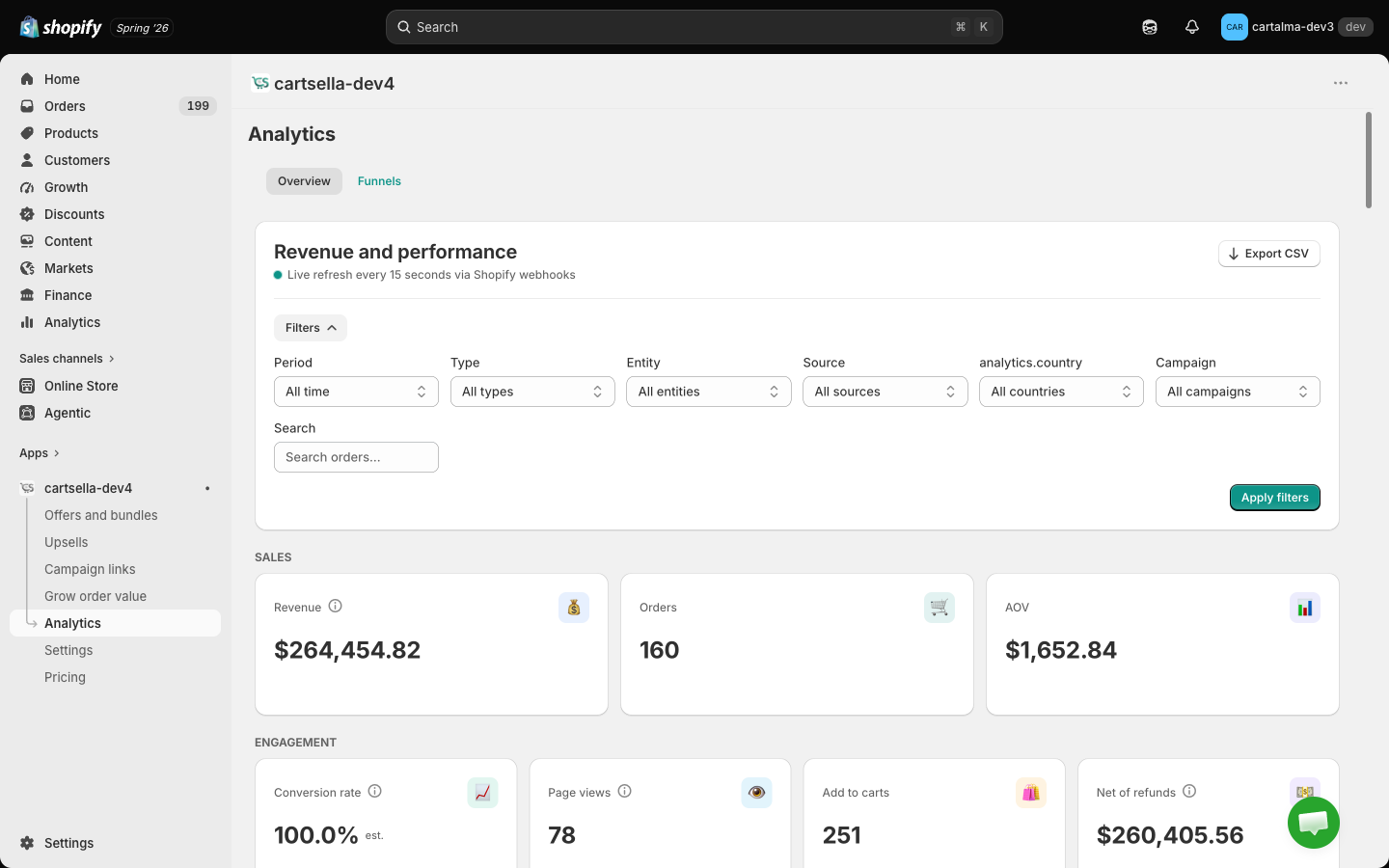
The Export CSV button at the top right downloads the current view, with your filters applied.
The metrics
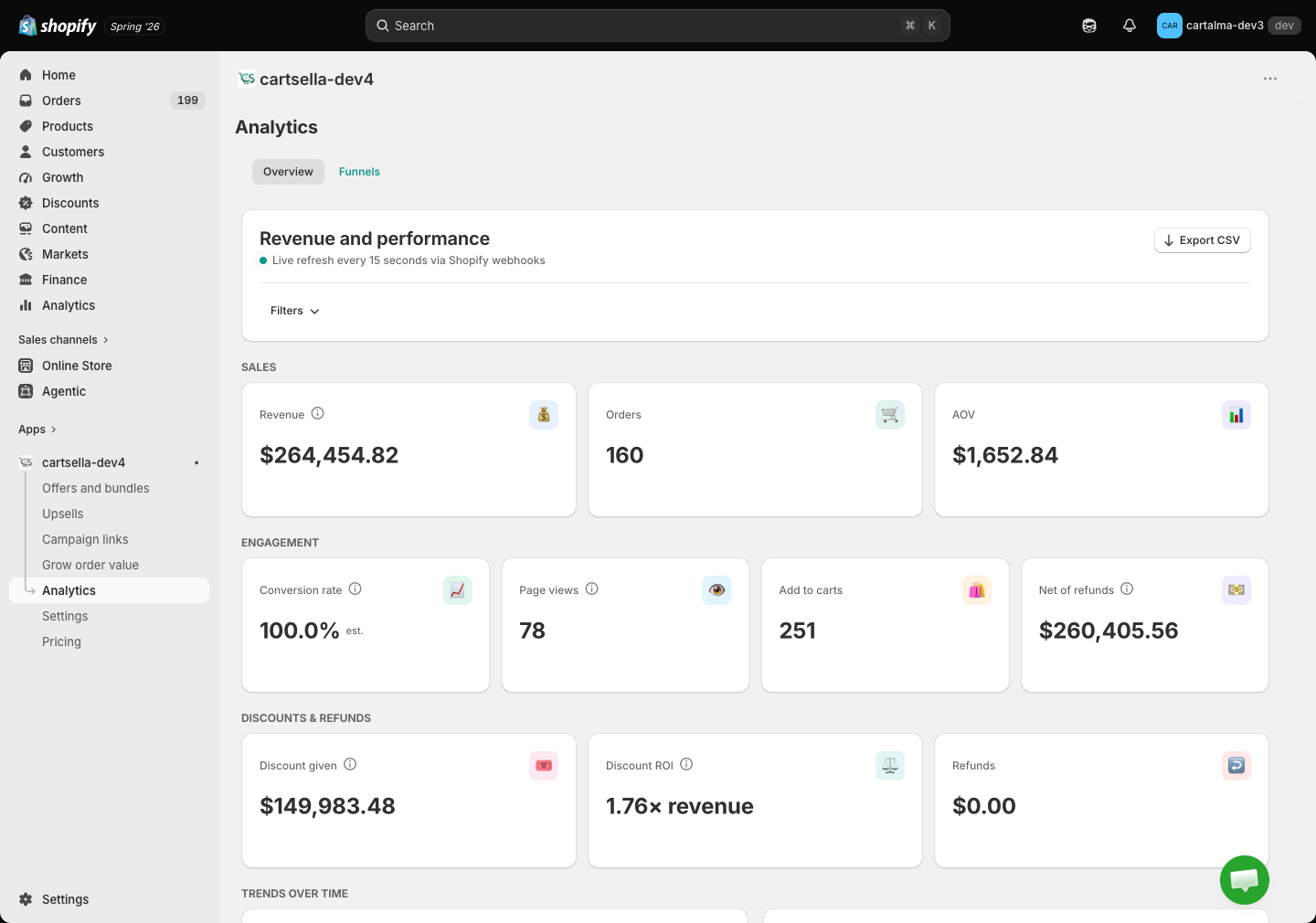
Every metric card except the ones noted below carries a small badge comparing it to the previous period of the same length, up or down as a percentage. A metric with no previous period to compare against shows New instead.Sales
Engagement
The conversion rate is capped at 100%. When your attributed orders outnumber your tracked page views, the cap has kicked in and the card is marked est. next to the number. That is a signal that page view tracking is incomplete, not that every visitor bought something.
Discounts and refunds
Fully cancelled orders are excluded from revenue and AOV, because Shopify does not zero the order total when an order is cancelled.
Trends over time
Two charts, Revenue over time and Orders over time, plotted across the selected period.Breakdowns
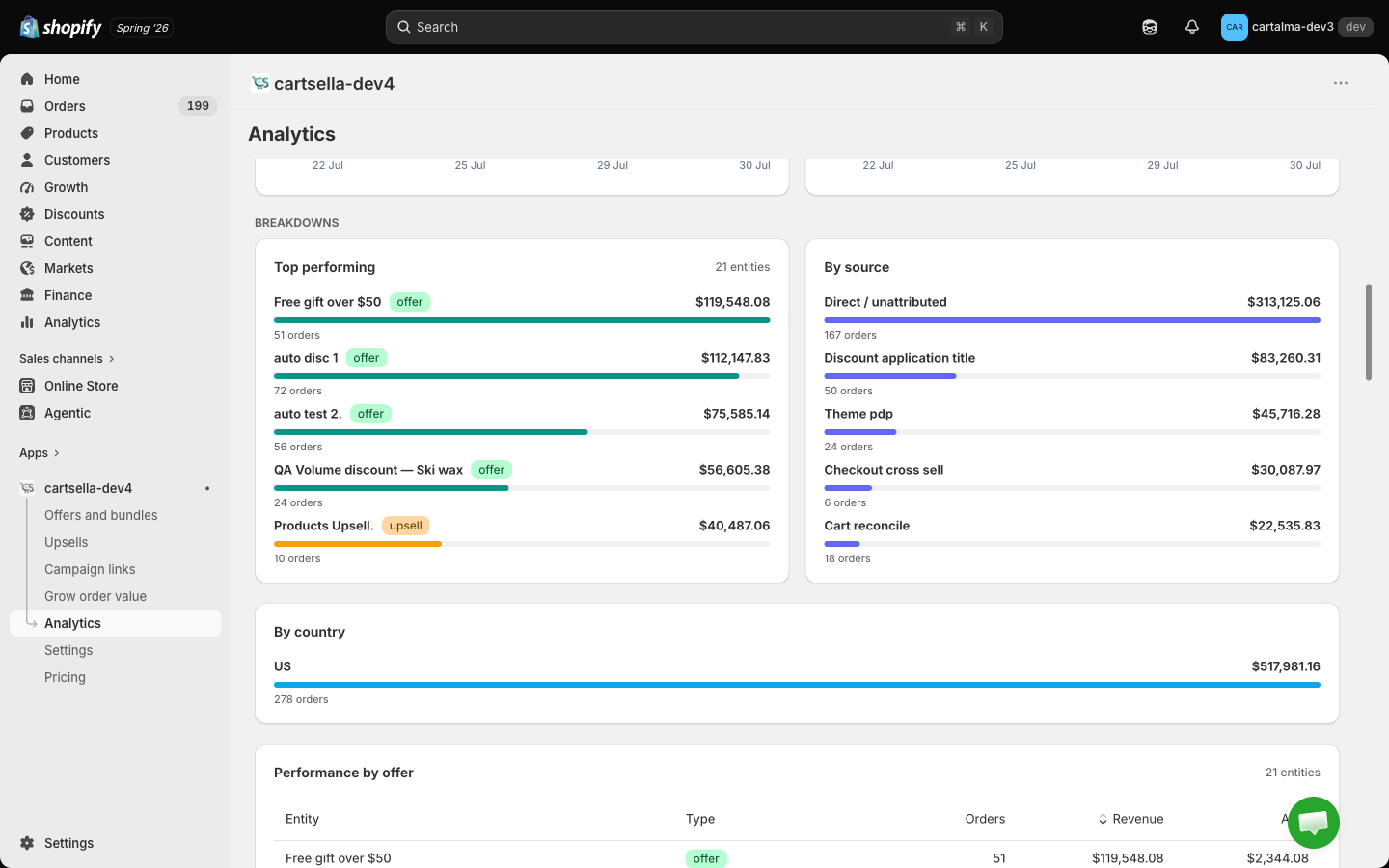
- Top performing: your five best offers, upsells and campaign links by revenue.
- By source: where the attribution came from. “Direct / unattributed” covers orders with no traceable source.
- By country: your top eight destination countries.
- Performance by offer: every offer, upsell and campaign link in a sortable table. Click Orders, Revenue or AOV to re-sort.
- By campaign: revenue and orders per campaign link.
- Upsell engagement: acceptance rate, plus accepted, dismissed and impression counts.
- Top products: units sold and orders per product, through CartSella.
- Top referrers: which sites sent the traffic. Hidden when there is nothing to show.
- Recent orders: the individual orders behind the numbers, with the gift, the source, the discount, the total, and a button through to that order in your Shopify admin. Paged 25 at a time with Previous and Next.
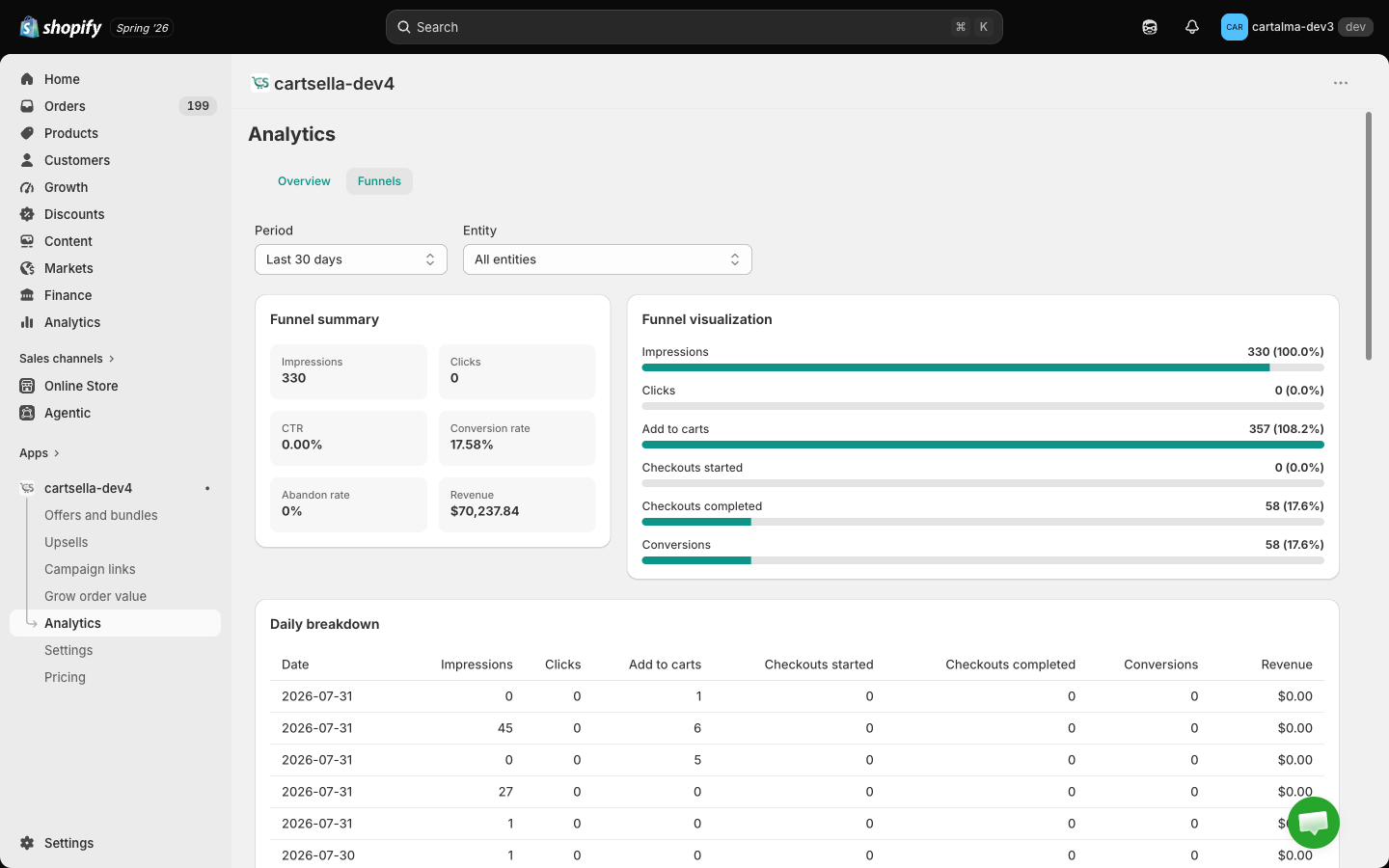
Funnels tab
The Funnels tab shows the step by step journey for your bundle and build a box funnels: how many shoppers arrived, how many completed each step, and where they dropped off. Pick which funnel to look at from the selector at the top.