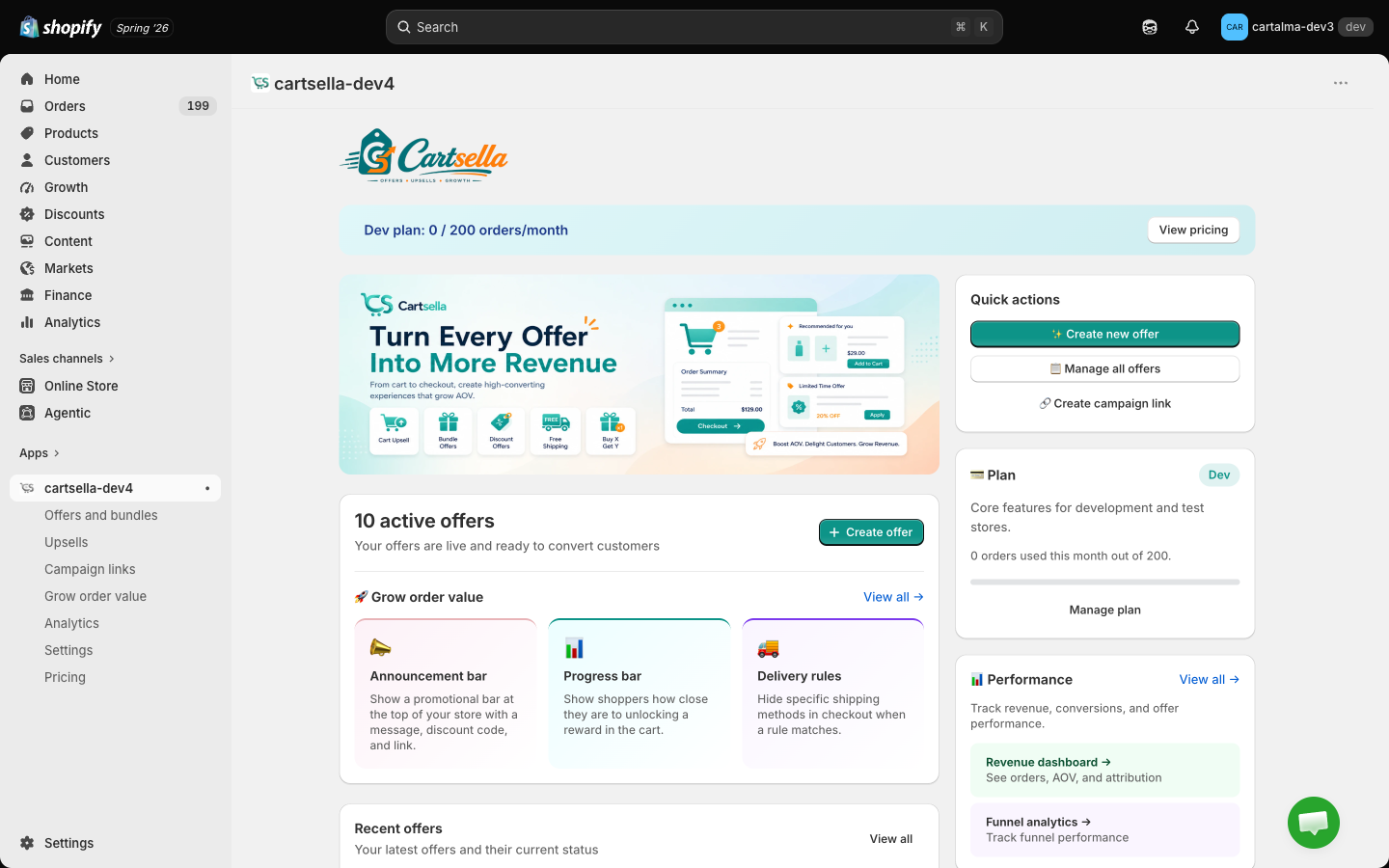
Start here
Install CartSella
Add the app, switch on the theme app embed, and confirm it is running.
Build your first offer
A gift with purchase, from empty store to live on the storefront.
Key concepts
Offer vs upsell, condition vs reward, eligibility, priority, statuses.
Offers: the price changes on its own
An offer acts when the cart qualifies. Nobody has to accept anything.Gift with purchase
Spend 100 and get a free gift, or buy 2 and unlock one for half price. The gift line is added to the cart for you.
Shipping discounts
Free shipping over a threshold, a percentage off the rate, or a fixed amount off.
Volume discounts and quantity breaks
Buy 2 for 10% off, 5 for 20%. The best tier applies automatically at checkout.
Cheapest-item discount
Buy 3, cheapest is free. The classic BOGO shape, priced from the cheapest eligible line.
Automatic product discounts
A straight discount on chosen products or collections, no code and no threshold.
Bundles
Standard bundle, pick your bundle, and the full-page bundle builder. Plus the pack selector for Single, Duo, Trio pricing on the product page.
Delivery rules
Hide, rename or reorder shipping methods at checkout when a rule matches. Requires Shopify Plus.
Advanced offer settings
Priority, stacking, eligibility rules, scheduling and usage limits.
Upsells: the shopper chooses
An upsell recommends something extra. Nothing happens until the shopper taps add.All six upsell types
Product page, cart, checkout, post-purchase, thank-you page, and the boost popup.
Boost popup
A popup that fires the moment a shopper adds to cart, cross-selling without leaving the page.
Campaigns
Campaign links
One link per channel that preloads a cart, unlocks an offer, and tracks what it earned.
Seasonal campaigns
Branded sale landing pages, with a hero banner and a product grid.
On the storefront
Theme blocks
Which block to add, which page it belongs on, and which offers need no block at all.
Customize
Colors, fonts and wording, set once and applied to every offer of the same type.
Cart features
Progress bar, offers hub, floating bubble button and the cart editor.
Announcement bars
Store-wide messaging bars you place on any template.
Countdown timers
Urgency timers for a sale window or a shipping cut-off.
Translations
Storefront copy in every language your store sells in.
Manage your account
Analytics
Views, add to carts, conversions and attributed revenue per offer.
Plans and billing
What each plan includes, what counts as an order, and how the trial works.
Settings
Storefront customization, the theme block gallery, and discount alerts.
Pause or uninstall
Switch everything off cleanly, temporarily or for good.
Stuck?
Troubleshooting
An offer is not showing, a gift is not being added, a block is missing.
FAQ
Short answers to the questions we get most.
Compatibility
Themes, other discount apps, subscriptions and markets.