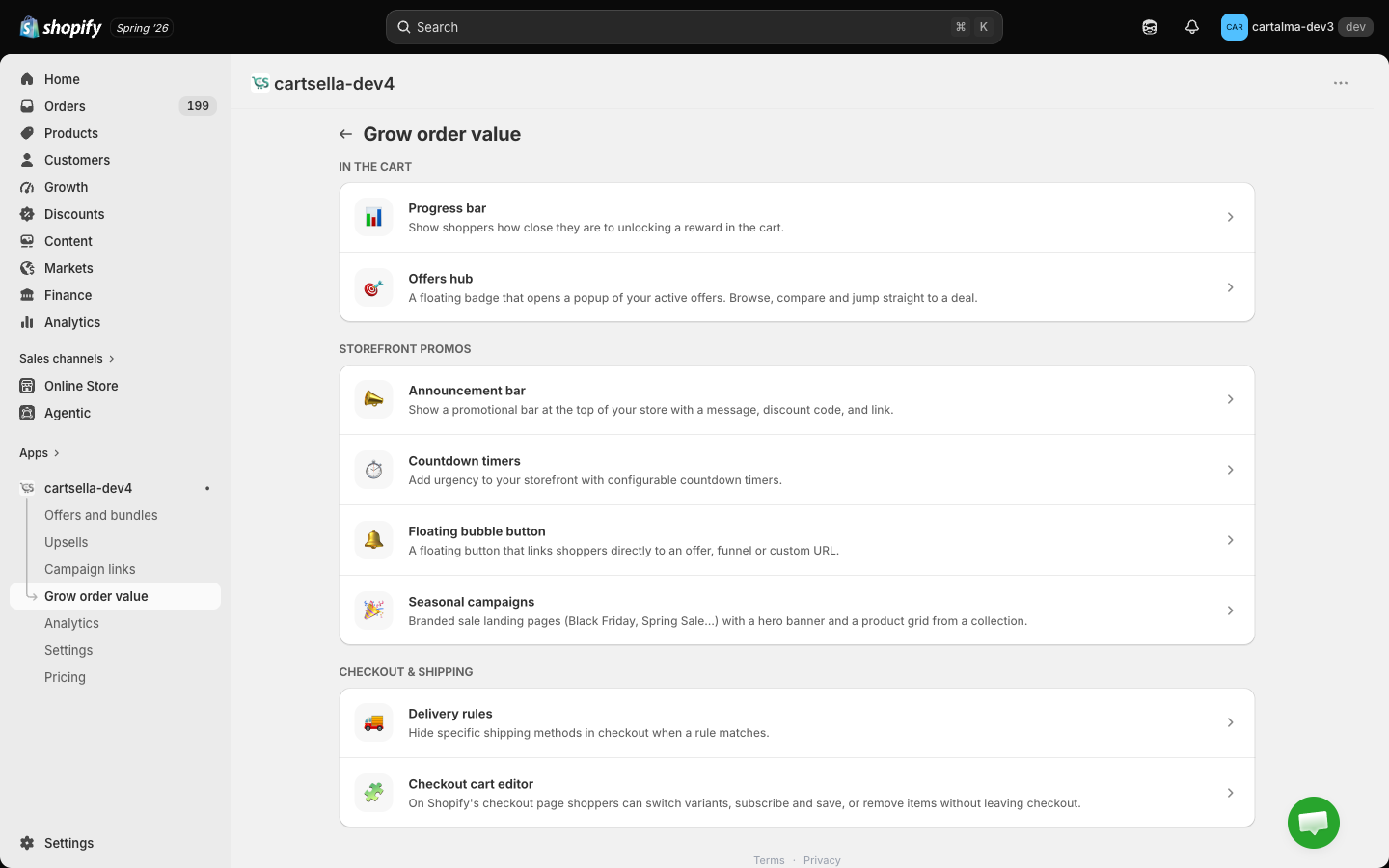
The Grow order value hub: the progress bar, offers hub, floating button, promos, delivery rules and the checkout cart editor.
Grow order value is the hub for everything that shapes the cart, the checkout and your promotional widgets. It sits in the CartSella sidebar and groups eight tools into three sections.
Nothing here is an offer. These tools display, promote and fix: they show progress toward a reward, surface deals you already built, and let shoppers correct their cart. The rewards themselves are offers.
Three different routes, and knowing which is which saves a lot of confusion:
Tool
How it gets on the storefront
Progress bar
The CartSella — Progress Bar theme block, on your cart template
Announcement bar
The CartSella — Announcement theme block, usually near the top of a page
Countdown timer
The CartSella — Countdown theme block, on any template
Offers hub
No block. It rides on the CartSella app embed
Floating bubble button
No block. It rides on the CartSella app embed
Delivery rules
No block. They apply at checkout automatically
Checkout cart editor
An app block you add in Shopify’s checkout editor, not the theme editor
All of it depends on the CartSella app embed being enabled on your published theme. If you switch or duplicate themes, enable it again on the new one. See Storefront blocks.
Most of these tools carry their own colours and copy on their own page, alongside a preview, so you set them where you build them.The exception is styling that is shared across offers and upsells, which is global and lives on the central Customize page. The progress bar and the offers hub popup appear there too; both edit the same settings you see here.
Pick one urgency cue per page. A countdown, an announcement bar, a floating bubble and an offers hub all on the same product page compete with each other and with your Add to cart button.